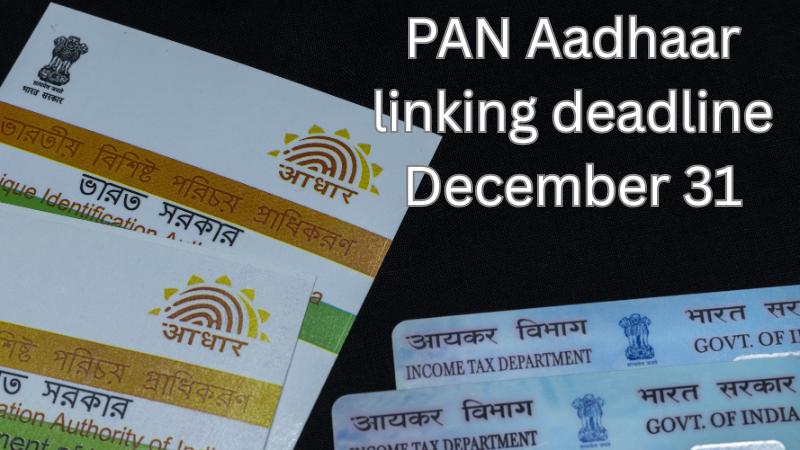
Pre-filled Income Tax Return (ITR) forms, introduced by the Income Tax Department, are designed to make tax filing simpler for individuals by auto-filling key financial details. These forms collect data from reliable sources such as your PAN, Aadhaar, Form 16 issued by employers, Form 26AS, and the Annual Information Statement (AIS) to pre-load income, tax paid, deductions claimed, and bank account information. However, despite the convenience, these pre-filled forms are not always accurate. Errors or missing entries can lead to wrong tax calculations, notices from the department, or delayed refunds. Knowing where mistakes usually occur can help ensure your filing is accurate and stress-free.
5 Frequent Mistakes and How to Fix Them
-
Missing or incomplete dividend income
Dividends received from shares or mutual funds are taxable, but they’re often either partially reflected or missing in the pre-filled data. You should verify your dividend earnings by checking your Demat account or broker statements and cross-referencing them with the AIS. If there’s a mismatch, update the ITR form manually. -
Unreported capital gains
If you've sold equity shares, mutual funds, or other capital assets during the financial year, ensure the gains or losses are properly reported. Sometimes, transactions from certain brokers or platforms may not reflect in the AIS. Collect consolidated capital gains reports from all trading accounts and update the figures manually in your ITR form. -
Bank interest not shown correctly
Interest earned from fixed deposits, recurring deposits, and savings accounts should be reported under ‘Income from Other Sources’. Pre-filled forms may not include the full amount, especially if some banks haven’t yet reported the data. Reconcile interest income with your bank passbooks and the AIS, and edit your return accordingly. -
Deductions under 80C and 80D missing
Deductions for life insurance premiums, ELSS investments, tuition fees, or medical insurance premiums might not show up if they weren’t routed through your employer or claimed previously. These must be added manually. Always gather supporting documents and claim all eligible deductions to reduce your tax liability. -
Salary mismatch due to job change
If you’ve switched jobs during the year, your ITR form may only show income from the last employer, leading to underreporting of salary. This can happen if one employer’s Form 16 is missing or not linked correctly. Make sure to consolidate income from all employers, and check the TDS in Form 26AS to avoid discrepancies.
What You Should Do Before Submitting
Before submitting your return, download the latest copies of Form 16 from all employers, your Form 26AS, and the AIS from the income tax portal. These documents provide the most accurate picture of your income, tax deducted, and financial transactions. Compare them with the pre-filled ITR form line by line. Correct any errors manually in the portal, especially in income heads, deductions, and tax paid.
Also, remember that pre-filled forms can’t track every personal transaction, like offline investments or manual premium payments. Filing your ITR early gives you time to spot and fix these issues before the deadline. Doing so helps avoid penalties, mismatches, and refund delays. Pre-filled forms make tax filing convenient, but your review ensures it’s accurate.