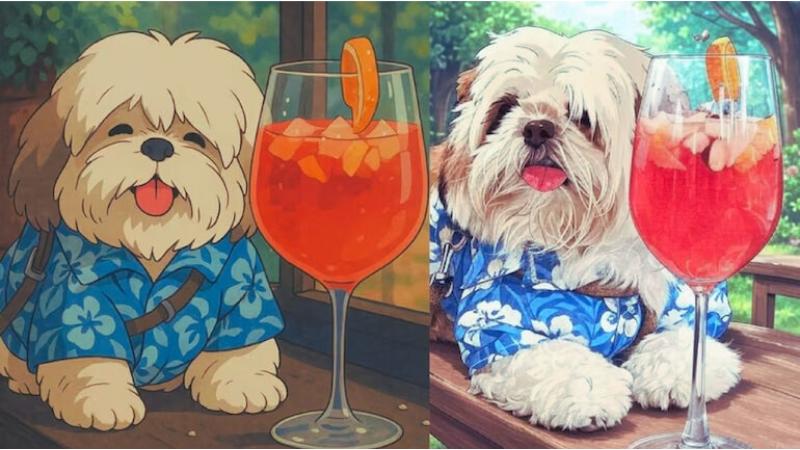
Studio Ghibli-inspired images are the latest visual trend sweeping across social media platforms. From cinematic anime-style portraits to breathtaking fantasy landscapes, everyone wants a piece of the Ghibli magic in their photos. Leading the trend is OpenAI’s ChatGPT image generator, which sparked viral interest. However, a three-image-per-day limit was quickly introduced for free users. This opened the door for Elon Musk’s Grok AI, which soon integrated Ghibli-style generation with virtually no daily limit. But while Grok’s quantity is generous, its artistic accuracy still leaves much to be desired compared to ChatGPT’s output. Fortunately, there's a workaround—using ChatGPT’s superior text-prompt generation abilities with Grok’s image rendering capabilities to create stunning visuals.
Here’s how to blend the strengths of both tools for the ultimate Ghibli-style art experience.
Part 1: Generate the Perfect Ghibli-Style Prompt Using ChatGPT
Step-by-Step:
-
Open ChatGPT on the web or app.
-
Upload the photo you want to convert to Ghibli-style art.
-
Describe your vision in detail—include the setting, style, emotions, and colors.
-
Ask ChatGPT to generate a Ghibli-style prompt you can use in Grok.
Sample Command:
“Generate a text prompt to convert the uploaded image into Studio Ghibli-style art.”
Sample Output from ChatGPT:
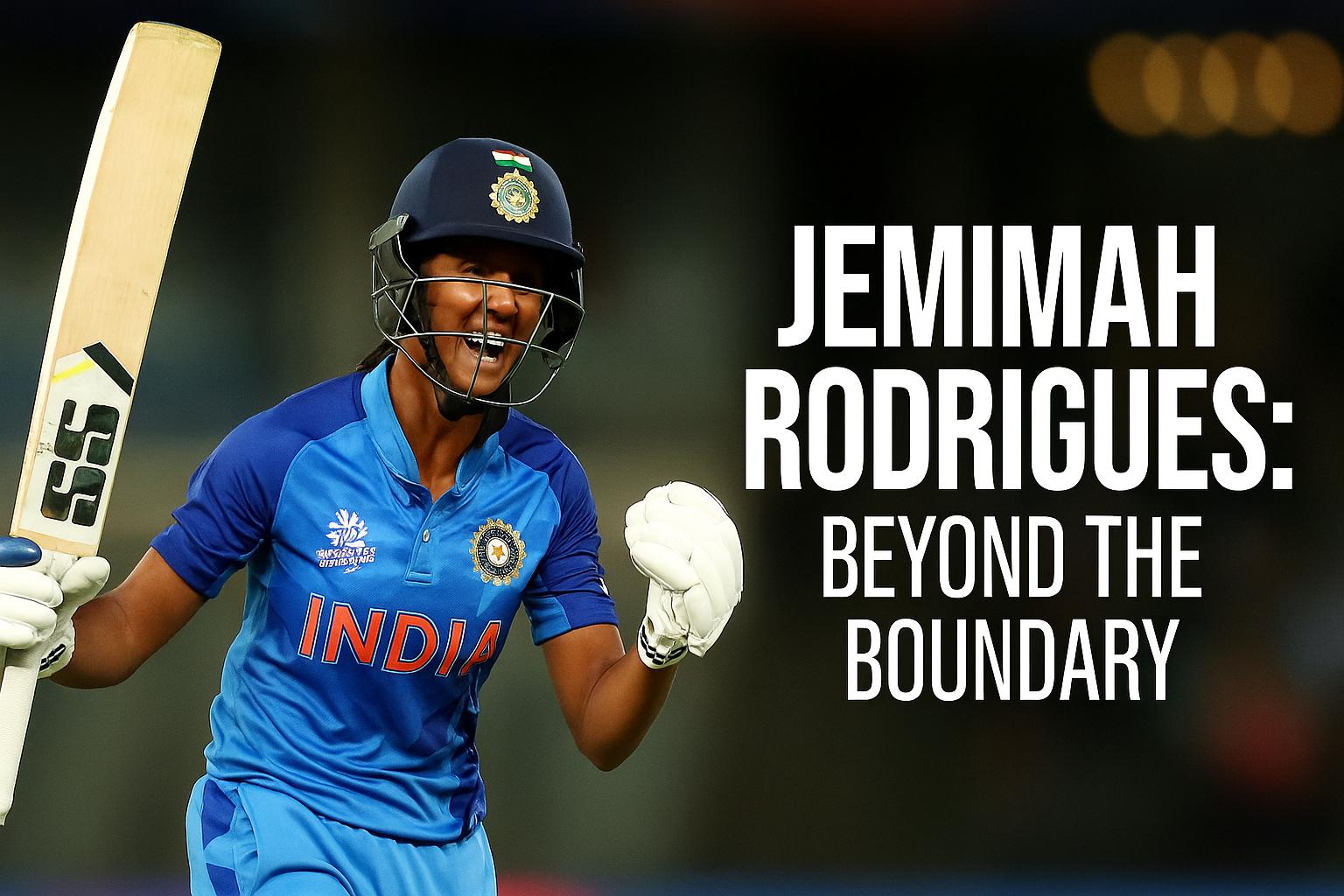
“A vibrant Studio Ghibli-style illustration of two cricket players exchanging a fist bump on the field. One wears a red and black jersey with golden text, holding a bat; the other in blue and gold, holding a helmet. Set in a sunset-lit stadium, the background is filled with glowing banners, a soft golden sky, and cheering fans. Art style is hand-painted, detailed, emotionally expressive, with rich colors and magical realism, reminiscent of classic Ghibli films.”
This kind of detailed prompt reduces ambiguity and guides the image generator to capture emotion, lighting, texture, and scene composition—all critical for creating high-quality Ghibli art.
Part 2: Use Grok to Generate the Image
Once you have your refined prompt:
-
Open Grok via X.com or its web app.
-
Upload the same photo used with ChatGPT.
-
Paste the ChatGPT-generated prompt.
-
Generate the image.
-
Refine, re-prompt, or tweak if needed.
-
Save and share your new Ghibli-style image.
Side-by-side comparisons show that images generated using ChatGPT’s descriptive prompts via Grok are significantly better than those made with generic commands.
Character Realism:
-
With ChatGPT: Facial features, expressions, and details (eyes, beards, clothing) are accurate and expressive.
-
Without ChatGPT: Faces look generic, lacking definition and emotional depth.
Clothing & Accessories:
-
With ChatGPT: Jerseys and logos are true to life, with texture and detail.
-
Without ChatGPT: Colors are inaccurate, logos missing, and fabric lacks depth.
Background & Atmosphere:
-
With ChatGPT: Dynamic stadium scenes with detailed lighting, depth, and vibrant energy.
-
Without ChatGPT: Flat, less immersive, often with static backgrounds.
Color & Style:
-
With ChatGPT: Balanced color palette, vibrant shading, hand-painted Ghibli aesthetics.
-
Without ChatGPT: Dull tones, flat shading, and cartoonish finishes.
AI models often misinterpret vague or short prompts, leading to lackluster results. ChatGPT excels at generating rich, contextual prompts, allowing image generation tools like Grok to perform at their best—even if their native prompt understanding is limited.
If you want better Ghibli-style images, combining ChatGPT’s language intelligence with Grok’s unlimited image generation is a smart, creative hack.
So, while Grok gives you quantity, ChatGPT gives you quality—together, they create magic.