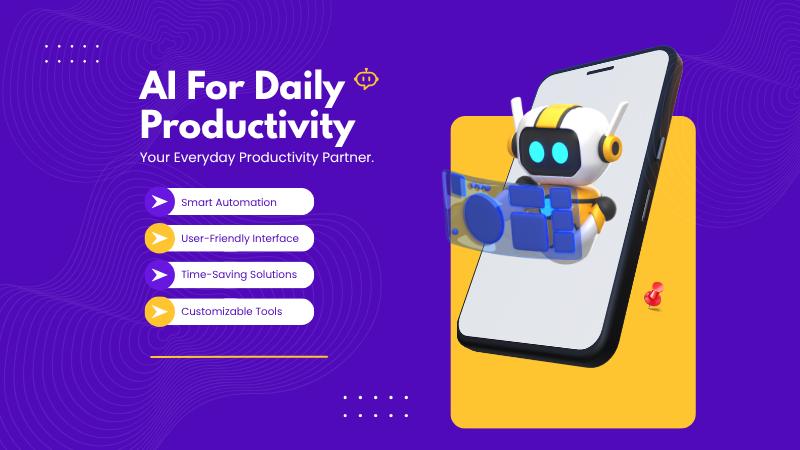
AI is transforming how we work by simplifying and speeding up everyday tasks. Whether you're an entrepreneur, office worker, or freelancer, there’s a good chance you're spending hours on repetitive activities that can be automated. With AI tools becoming more user-friendly and accessible, automating these routine jobs no longer requires advanced technical knowledge. Here's how to make the most of AI for automating repetitive work in a practical and time-saving way.
Start with identifying repetitive tasks. Think about the daily activities that follow the same pattern—sending emails, scheduling meetings, sorting data, updating spreadsheets, or responding to basic customer queries. These are ideal candidates for automation. Once identified, group these tasks based on their type—communication, data entry, file management, or customer service.
Use AI email assistants like Superhuman or Flowrite to draft and reply to emails quickly. These tools can learn your tone and style over time and generate personalized email content. Gmail also comes with smart replies and predictive text features that can save a lot of typing. Scheduling meetings? AI tools like Motion or Reclaim.ai can handle your calendar based on availability and priorities, eliminating back-and-forths.
For data-related tasks, platforms like Microsoft Power Automate and Zapier let you create workflows that automatically move files, send alerts, or update databases. These tools can connect hundreds of apps you already use like Excel, Slack, Google Drive, and Notion. If you work with large datasets, AI-powered tools like MonkeyLearn can help analyze text data by automatically categorizing and extracting information, which is especially useful for customer feedback and reviews.
AI chatbots are a huge time-saver for customer service. Tools like Intercom and Tidio can provide instant replies to common questions, freeing up human agents for complex issues. They also collect data that can help improve future interactions. For internal communication and FAQs, AI bots can also assist your team with answers to recurring questions.
Content creation is another area where AI excels. Tools like Jasper or Notion AI can help write reports, generate content ideas, or create outlines for presentations. If you're in marketing, AI can automate social media scheduling, content repurposing, and even ad copy generation.
The key is to start small—automate one task at a time and monitor how it performs. Gradually build a workflow that makes your day more efficient. Also, remember to review and tweak your AI tools regularly so they stay aligned with your changing needs.
🔖 Explore More
AI for Everyone: No-Code Tools Indians in the USA Love
Voice-to-text AI for quick note-taking on the go
The Role of GPT-4 in Automating Business Tasks and Workflows
Find practical Tips & Tricks to streamline your tasks