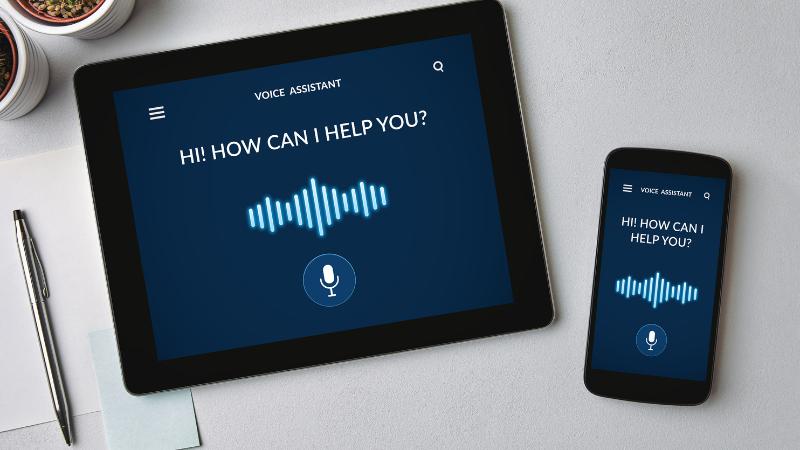
In today's fast-paced world, capturing thoughts and tasks quickly can make a big difference in productivity. Whether you're commuting, walking, or multitasking at work, voice-to-text AI tools are making note-taking faster and more convenient than ever. These tools help convert spoken words into accurate written text, allowing users to document ideas, reminders, or meeting highlights without having to stop and type.
Voice-to-text AI works using speech recognition technology combined with natural language processing. Modern tools are trained to understand different accents, speech speeds, and even background noise. This makes them highly reliable for everyday users who want to take notes on the go, without worrying about perfect enunciation or grammar.
Popular apps like Otter.ai, Google Keep, Microsoft OneNote, and Notta offer easy-to-use voice recording and real-time transcription features. Otter.ai is especially popular among professionals and students, as it records meetings or lectures while generating live transcriptions that can be edited later. Google Keep offers a lightweight and free voice-note feature that syncs with your Google account, making it great for quick ideas or grocery lists. Microsoft OneNote, integrated with Office 365, lets you record voice memos within organized notebooks and search them later using AI. For multilingual users, tools like Notta support transcription in several languages and are helpful for international users.
These tools not only transcribe voice to text but often include automatic punctuation, speaker identification, and keyword highlights. Many also integrate with cloud storage, so your notes are always backed up and accessible across devices. Some apps let you export notes into formats like PDF or DOCX, or even turn them into shareable links.
For those who prefer hands-free usage while driving or cooking, these AI tools can often be triggered with voice commands through smart assistants like Google Assistant or Siri. This makes it even easier to log thoughts in real-time.
The key benefit of voice-to-text AI is speed. Instead of spending time typing or forgetting ideas, you can simply speak and let the tool do the rest. Whether you're a busy parent, entrepreneur, or student, these tools offer a smart way to stay organized without missing a beat.
🔖 Explore More
Simple AI Tools That Make Daily Life Easier for Indian Moms
AI Tools That Help With Grocery Lists in Indian Households
How to Use AI to automate repetitive work tasks
Find practical Tips & Tricks to streamline your tasks.