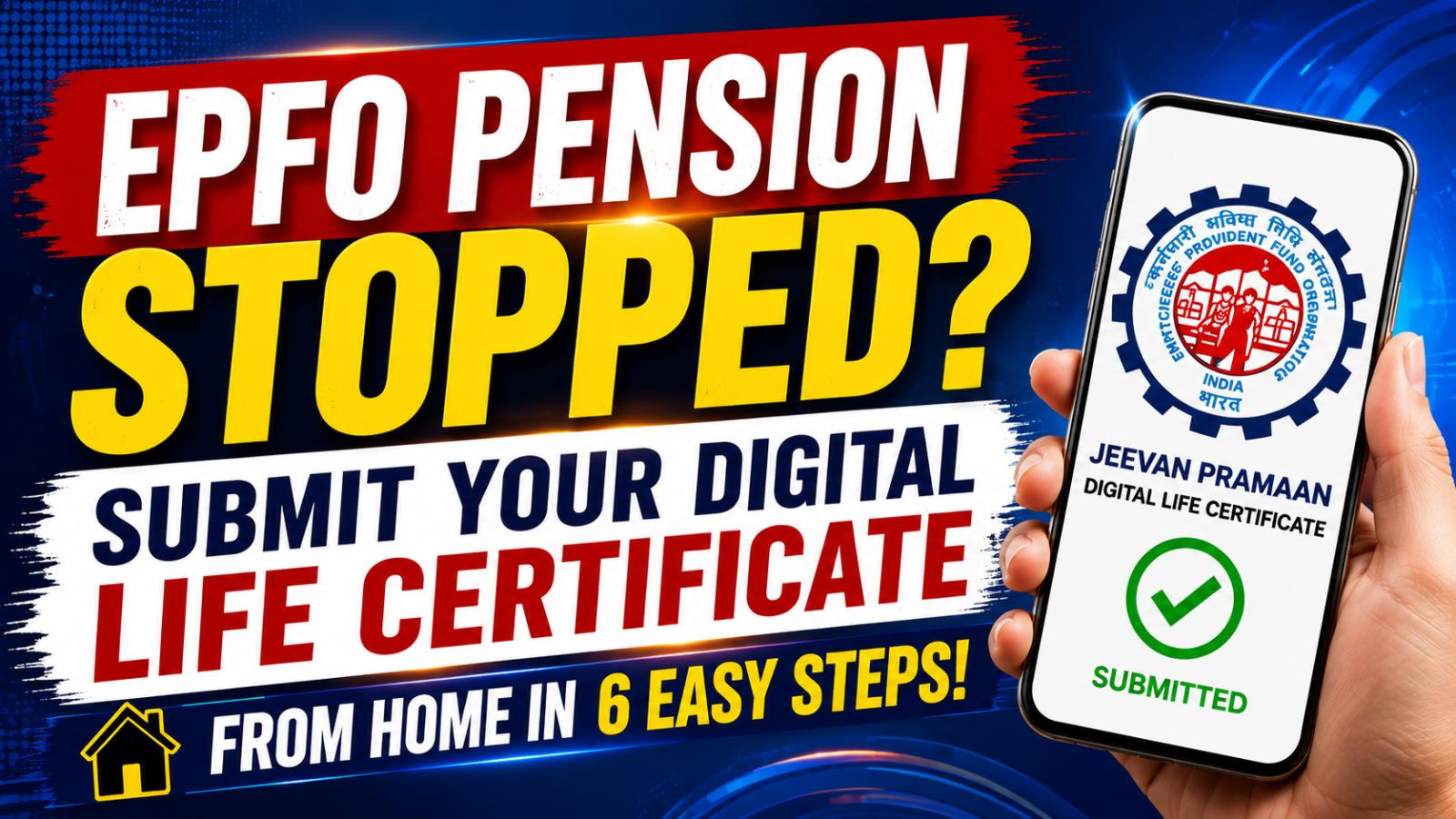
EPFO pension payments may stop when the Digital Life Certificate expires. Pensioners can check DLC status, submit Jeevan Pramaan through UMANG in six steps or use IPPB’s free doorstep service for eligible EPS-95 beneficiaries.
EPFO Pension May Stop When Jeevan Pramaan Expires
If an Employees Pension Scheme payment has stopped reaching the bank account, an expired or missing Digital Life Certificate may be one reason. Jeevan Pramaan is an Aadhaar-based certificate confirming that the pensioner is alive and eligible to continue receiving pension. EPS pensioners must submit it periodically to avoid interruption.
Incorrect PPO details, bank-account problems or failed verification may also delay payments. Pensioners should first check the certificate status and then contact the bank or EPFO if the issue continues. Digital submission removes the need for physical office visits and supports timely pension disbursement.
DLC Check Confirms Certificate Status
Pensioners can check their certificate through EPFO pensioner services or the Jeevan Pramaan portal. Keep the Pension Payment Order number, Aadhaar-linked mobile number and bank details ready. The status can show whether the certificate was accepted and whether a fresh submission is due.
After successful generation, a Pramaan ID is sent to the registered mobile number. The certificate can later be downloaded through the Jeevan Pramaan login. The name, date of birth and PPO information should match Aadhaar and pension records, as mismatches may cause rejection or manual verification.
UMANG App Submits Jeevan Pramaan in Six Steps
Step 1: Download the UMANG app and Aadhaar Face RD app.
Step 2: Open UMANG, search for Jeevan Pramaan and select Generate Life Certificate.
Step 3: Choose Face Authentication and enter the Aadhaar and mobile numbers.
Step 4: Verify the OTP sent to the registered mobile number.
Step 5: Enter the PPO number, pension type, sanctioning authority, bank and account details. Complete the re-employed and remarried declarations.
Step 6: Allow camera access, scan the pensioner’s face and submit. Save the Pramaan ID and confirmation message.
Face authentication works without an external fingerprint device. Proper lighting, a clear camera view and accurate details can reduce failed submissions.
IPPB Doorstep Service Is Free for EPS Pensioners
Pensioners unable to use a smartphone or travel to an office can request doorstep help from India Post Payments Bank. EPFO says eligible EPS-95 pensioners can call IPPB at 033-22029000 for free doorstep Jeevan Pramaan submission. A postman or Grameen Dak Sevak can visit, verify the details and complete Aadhaar-based authentication.
Under the EPFO-IPPB arrangement, no charge should be collected from an eligible pensioner. Keep Aadhaar, mobile number, PPO and bank details ready. Never share an OTP with an unknown caller. After acceptance, monitor the account and contact EPFO through official channels if payments do not resume.