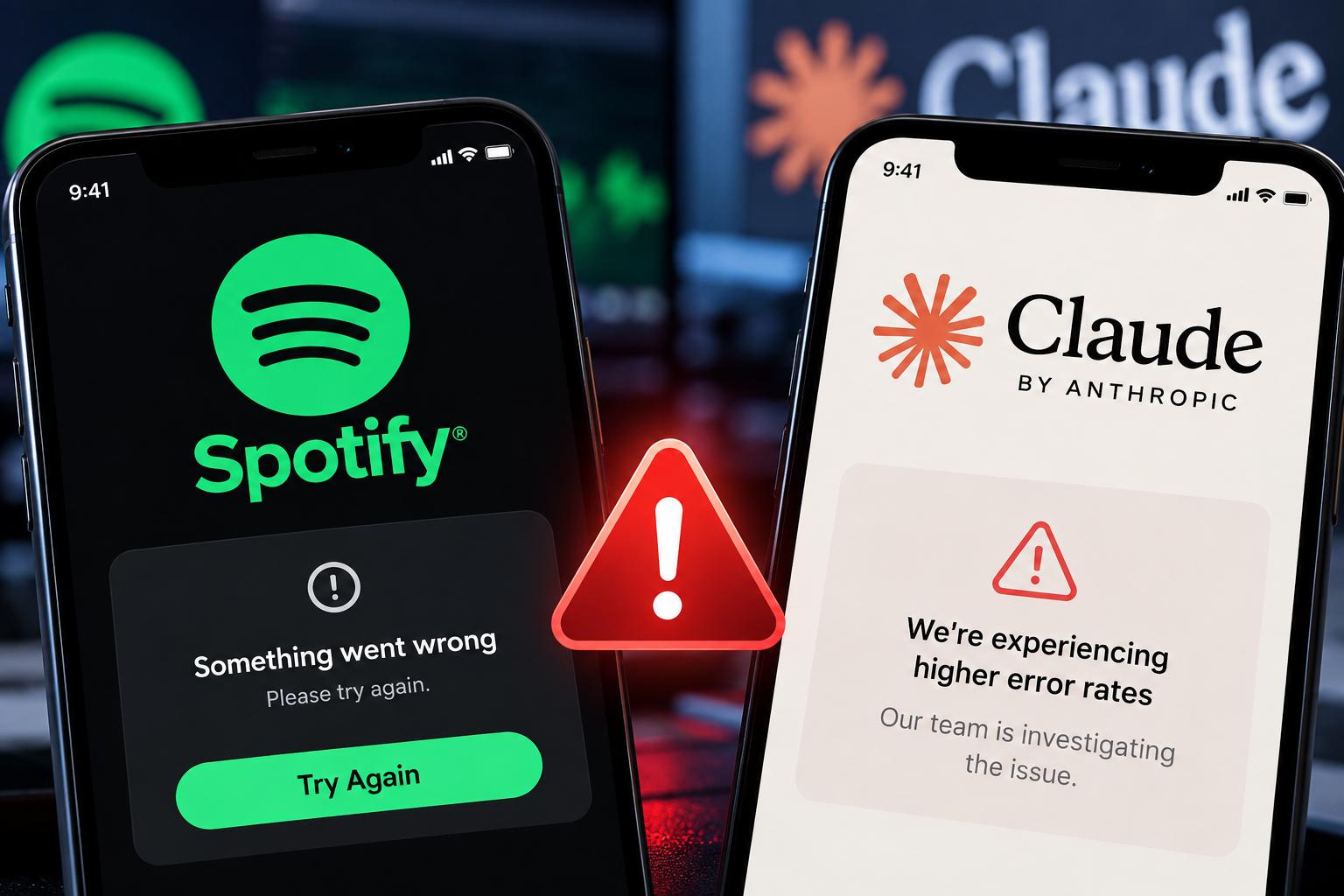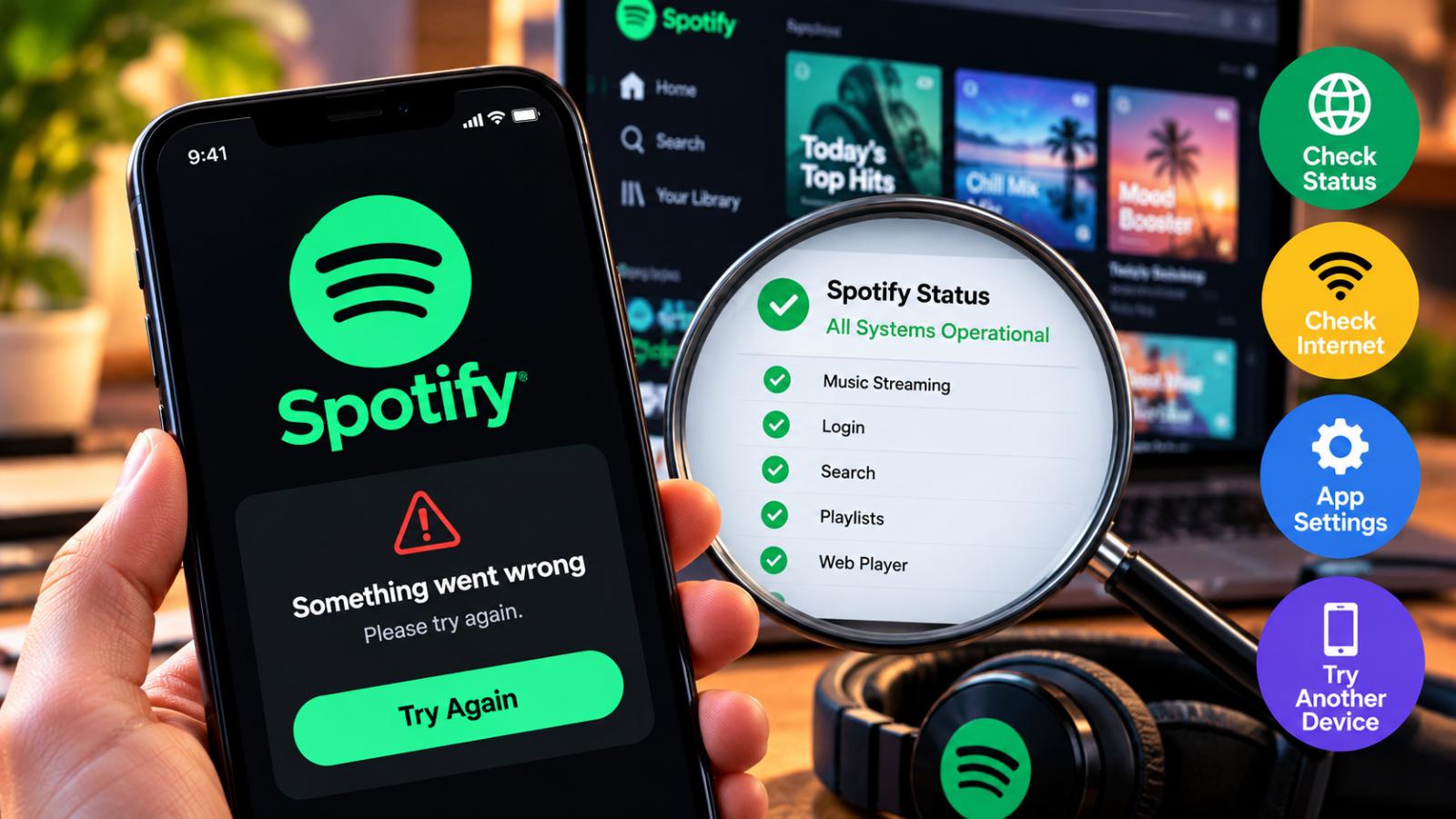
If Spotify is not working, the problem may be a broader Spotify outage or an issue with your device, connection or app. Here is how to check Spotify status, confirm reported problems and try official troubleshooting steps before reinstalling the app.
If Spotify suddenly stops playing music, refuses to load, shows an offline message or prevents you from logging in, the first question is often: Is Spotify down?
A problem can come from Spotify itself, but it can also be caused by your internet connection, app settings or device. Checking a few reliable sources can help determine whether the issue is widespread or limited to your account or device.
Check Spotify Status and ongoing issues
Spotify recommends checking its official resources when the service appears to be having problems.
The company maintains an “Ongoing Issues” section in the Spotify Community where known app problems and their status are tracked. Spotify also directs users to its Spotify Status account for updates on broader service disruptions.
If Spotify has acknowledged a widespread outage, repeatedly reinstalling the app or changing device settings may not resolve the problem until the service itself recovers.
Check whether your internet connection is working
Spotify requires an active Wi-Fi or mobile data connection for normal streaming.
If Spotify displays an offline message, Spotify recommends checking whether other apps or websites can connect to the internet. Users should also confirm that Spotify’s Offline Mode has not been enabled accidentally.
Switching between Wi-Fi and mobile data can also help determine whether the problem is linked to a specific network.
Determine whether the problem is only on your device
If Spotify appears to be working for other users, the issue may be local.
Try restarting the Spotify app and your device, then check whether the app is updated. Spotify also recommends reinstalling the app for certain persistent technical problems, although downloaded music and podcasts may need to be downloaded again afterward.
Testing Spotify on another device or through the web player can also help identify whether the problem affects one installation or your entire account.
What common Spotify problems can indicate
Different symptoms may point to different types of problems.
If nothing loads and many users are reporting the same issue, a broader Spotify outage may be occurring. If only one device is affected, the problem is more likely to involve the app, connection or device settings.
An offline message can also appear when Offline Mode is enabled or when Spotify cannot access the internet. Spotify notes that content that has not been downloaded becomes unavailable while the app is offline.
What to do during a confirmed Spotify outage
During a confirmed Spotify outage, users can monitor Spotify’s official status updates and wait for the company to restore service.
Premium users who already downloaded music or podcasts may still be able to listen offline, depending on the content stored on their device. Spotify says downloaded content can be used through Offline Mode when an internet connection is unavailable.
If no wider outage has been reported, checking the connection, Offline Mode, app version and device-specific problems is the better next step.