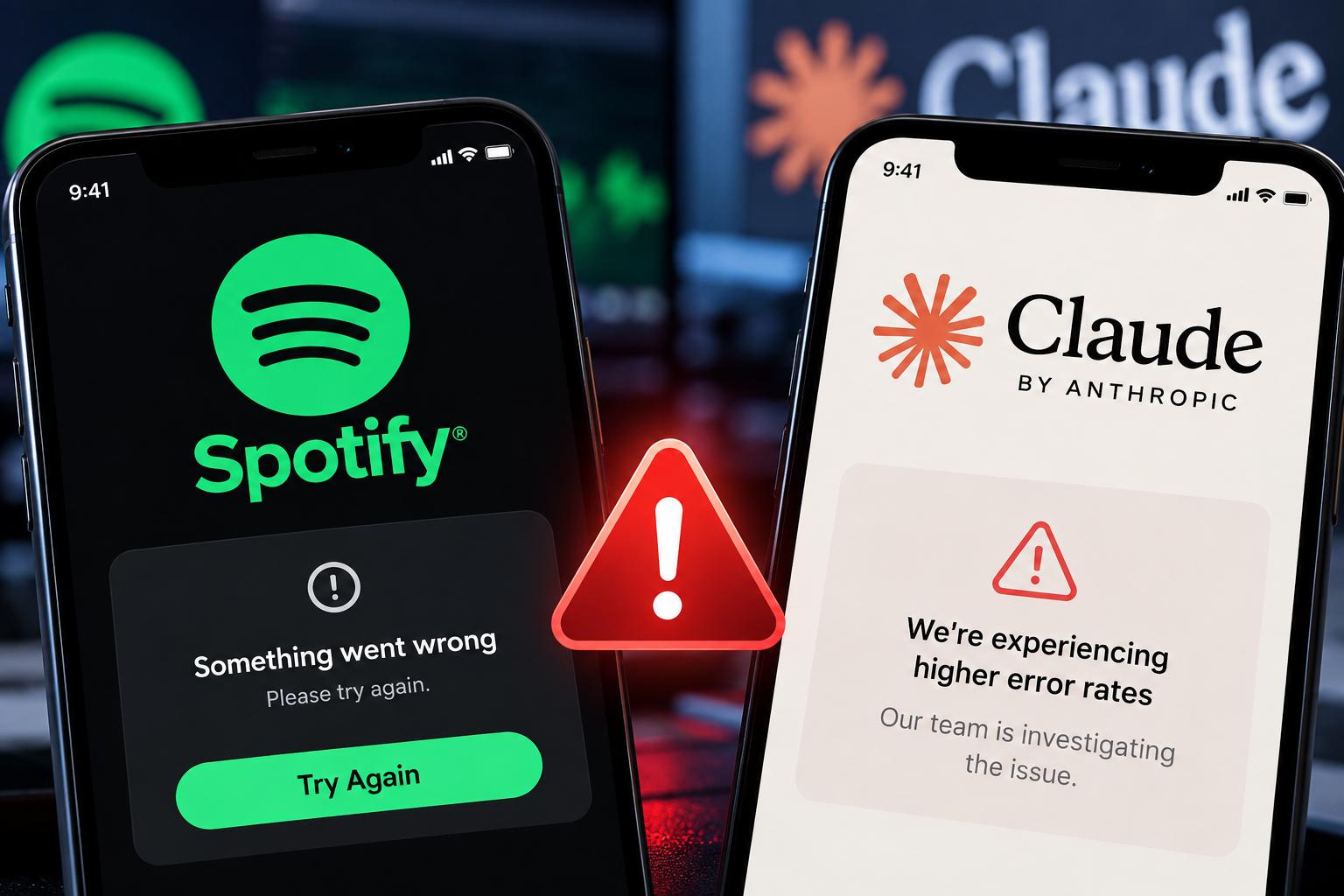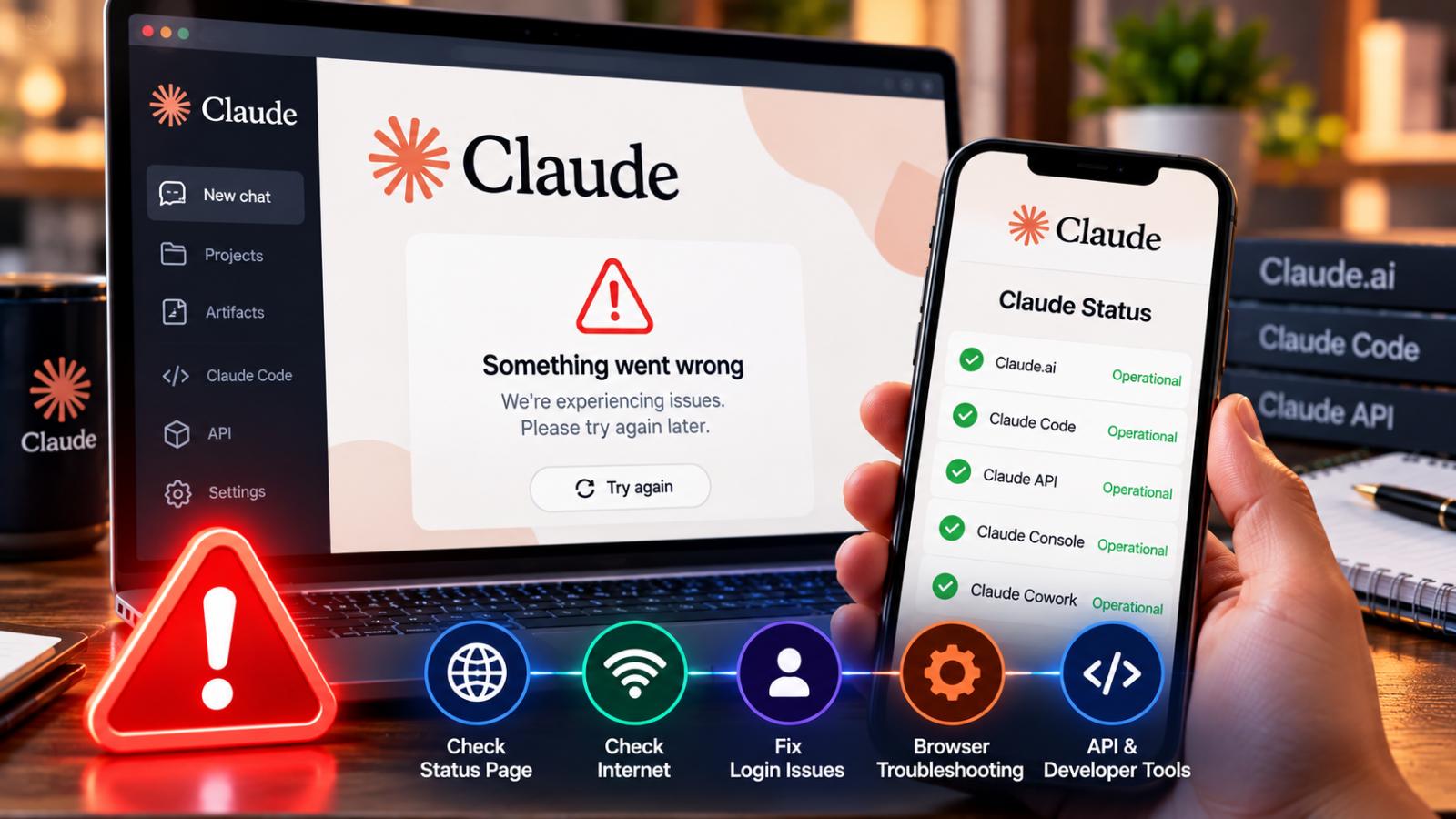
If Claude is not working, the issue may be an Anthropic outage, a login problem, capacity limits or a local browser issue. Here is how to check Claude status, identify confirmed incidents and troubleshoot common Claude.ai and API errors.
If Claude suddenly stops responding, fails to load or displays an error, the problem does not always mean the entire service is down.
Anthropic distinguishes between genuine service incidents, login problems, usage limits and temporary capacity constraints. Checking the official Claude status page is the fastest way to determine whether a broader outage has been confirmed.
Check the official Claude status page
Anthropic maintains a public status page covering Claude.ai, Claude Console, the Claude API, Claude Code, Claude Cowork and Claude for Government.
During a confirmed incident, the page provides information about the affected services, investigation progress and recovery status. It also maintains a history of previous incidents.
If all listed services are shown as operational, the problem may be related to your account, browser, network or usage limits rather than a system-wide outage.
Claude error does not always mean an outage
Anthropic says capacity constraints are different from service outages.
When demand is unusually high, Claude may display a message saying it cannot respond because of capacity constraints. Anthropic describes these situations as temporary load-management events rather than technical outages, and they may not appear on the official status page.
Usage-limit messages are also separate from outages. Users who reach their plan limit may see a message showing when access will reset.
Check Claude login problems
If Claude shows a login error, Anthropic recommends several troubleshooting steps before assuming the service is down.
Users can try disabling a VPN, turning off browser extensions and clearing browser cache and cookies. If the problem continues, Anthropic recommends checking the Claude status page for active incidents.
Users signing in by email should also check spam or junk folders if the secure login email does not arrive.
Check Claude API and Claude Code status
Developers should check whether the problem affects Claude.ai alone or Anthropic’s developer services.
The official status page separately lists Claude API, Claude Code and Claude Console availability. That makes it possible to identify whether a disruption is affecting consumer chat, developer tools or multiple Anthropic systems at the same time.
API users should also review the specific error returned by their application before concluding that Claude is unavailable.
What to do during a confirmed Claude outage
If Anthropic confirms a widespread service incident, repeated browser resets or account changes are unlikely to solve the underlying problem.
The better approach is to monitor the official status page for investigation, mitigation and resolution updates. Anthropic’s help guidance advises users experiencing login problems to wait for service restoration when a system-wide incident is active.
If no incident is listed, check account limits, browser settings, extensions, VPN use and network connectivity before contacting support.